DroidPass: Simplify Your Digital Life with Secure Password Management
Keep your passwords, cards and 2FA codes in one AES-256 encrypted vault. It syncs across your devices, works offline, and opens with Face ID or your fingerprint.



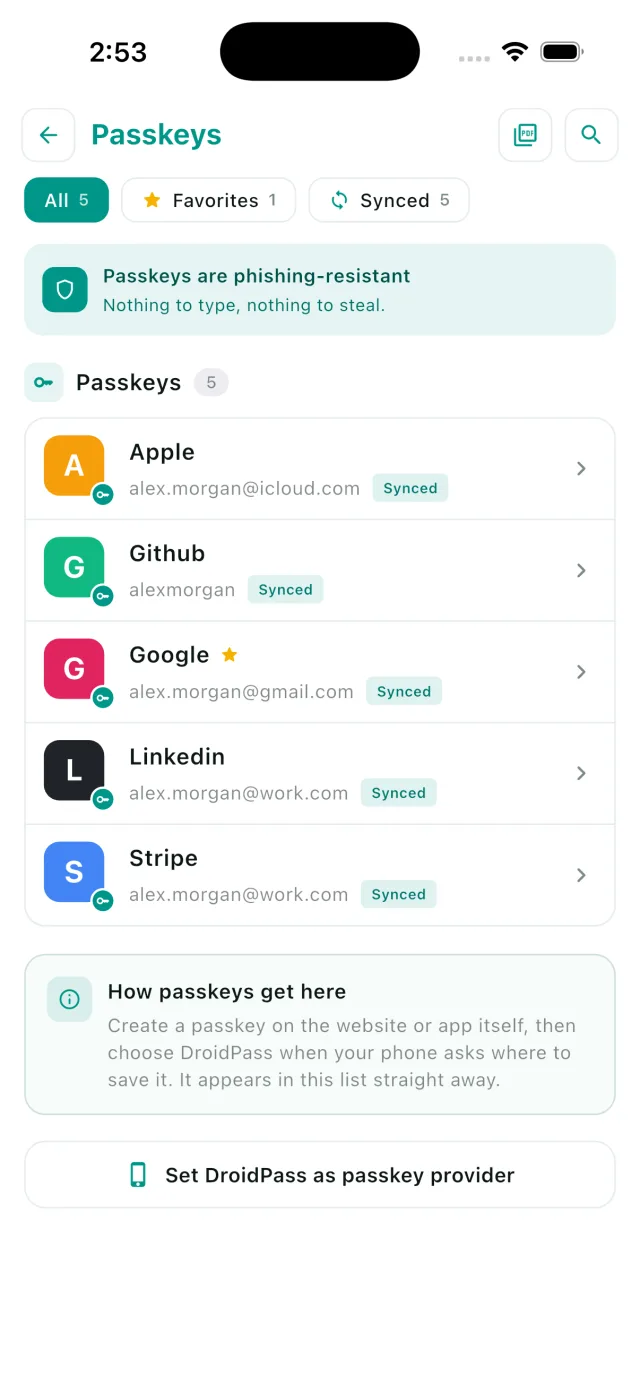
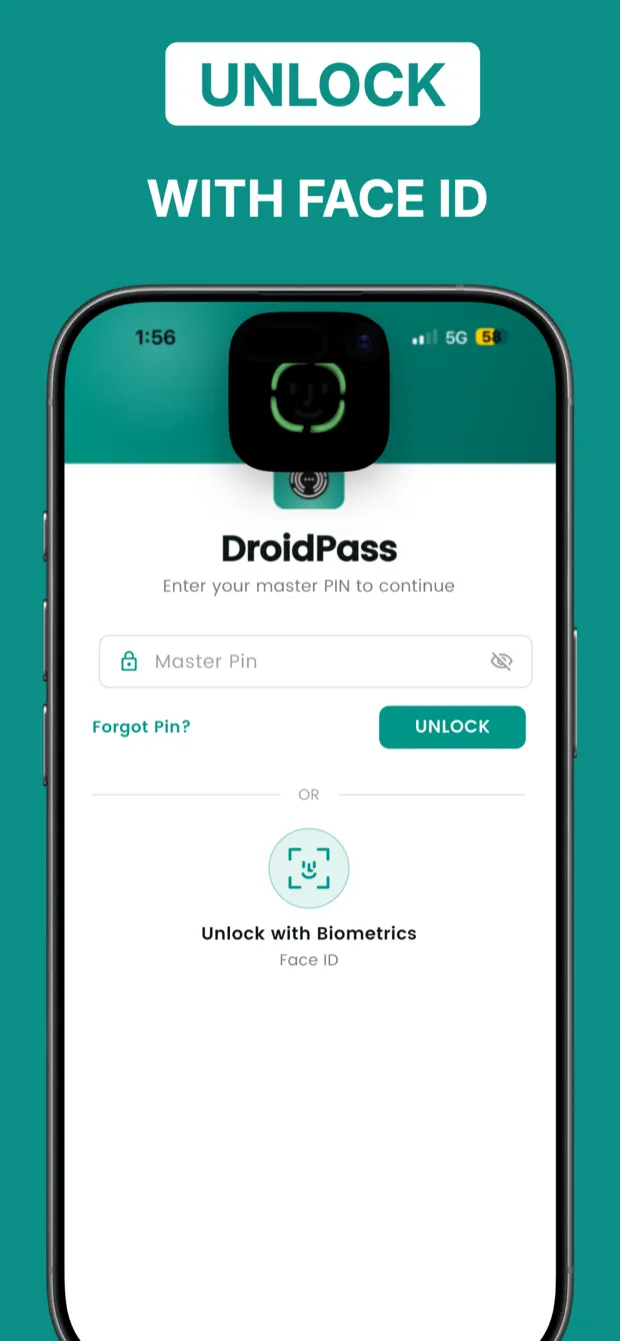
Your face is the password now
A passkey replaces a site's password with a key on your device, unlocked by Face ID, Touch ID or your Master PIN. Nothing to remember, nothing to type, and nothing a fake login page can steal.
Cannot be phished
The secret never leaves your device, so a convincing copy of a login page gets nothing.
Synced, not stranded
Your passkeys follow you to your other devices, encrypted before they leave the phone.
Passwords still welcome
Most of the web has no passkeys yet. DroidPass keeps those logins and their 2FA codes too.
Move your passwords across in seconds
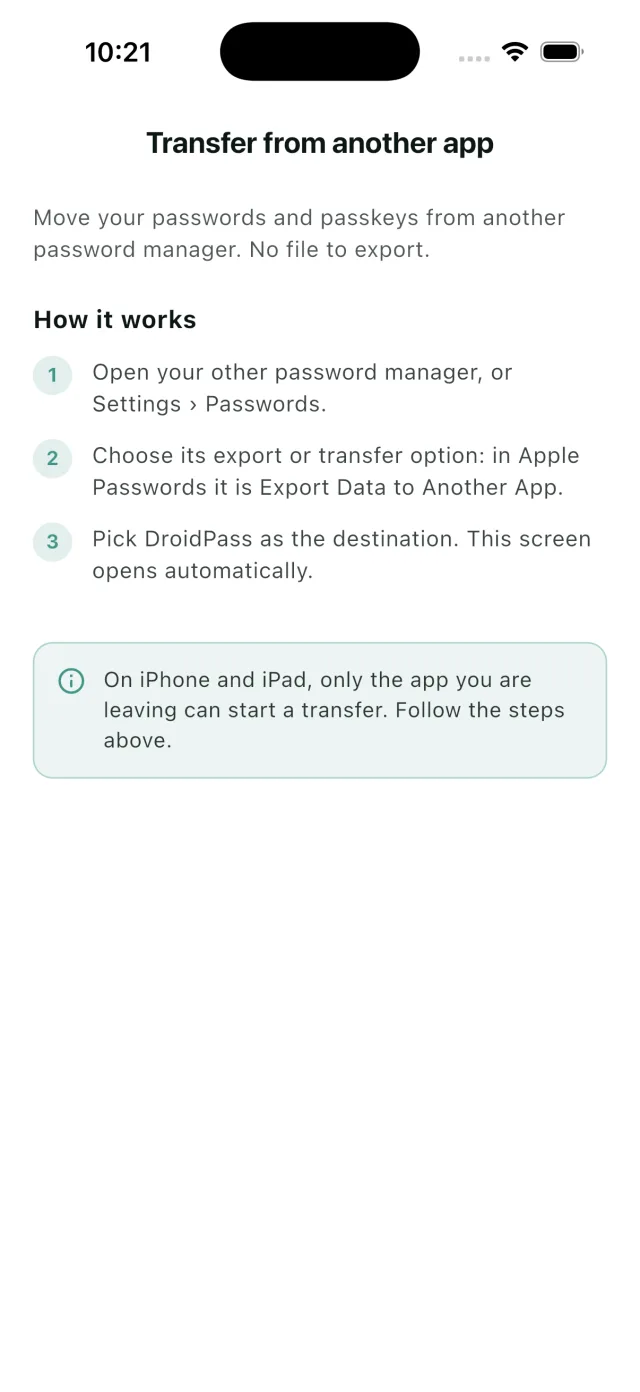
Bring logins and passkeys straight from another password manager. Nothing is exported to a file, nothing lands in your Downloads folder, and nothing is left behind in plain text.
-
Open the other app
Your old password manager, or Settings › Passwords.
-
Export to DroidPass
Choose its export or transfer option and pick DroidPass.
-
Done
DroidPass opens by itself and shows what arrived, encrypted.
What's new in 2026
Passkeys, instant transfer, autofill, a built-in authenticator and more — here's everything new in the latest release.
Passkeys
Sign in with your face or fingerprint where sites support it — synced across your devices.
How it works →Instant Transfer
Bring logins over from another password manager with no file to export.
How it works →Autofill on Android, iPhone & Mac
Fill logins and 2FA codes in other apps and browsers. Android 10+, iOS 15.5+ or an Apple Silicon Mac.
How it works →Built-in Authenticator
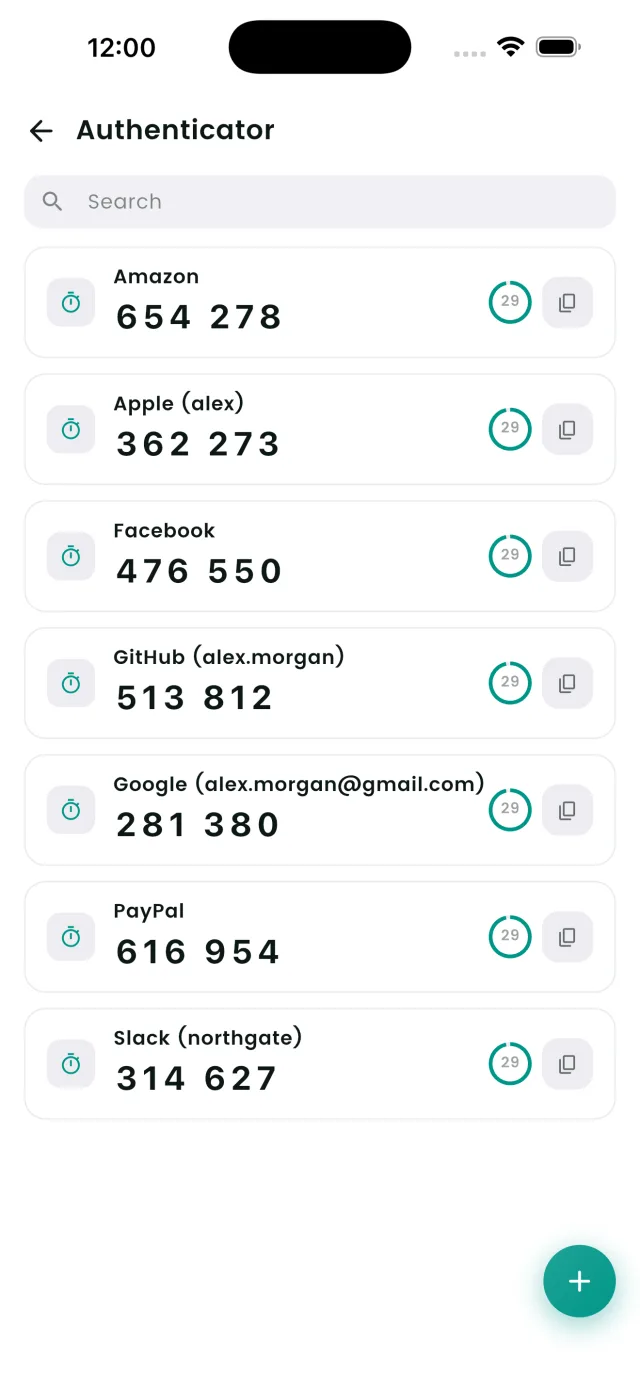
Live 2FA / TOTP codes next to your passwords.
Markdown Secure Notes
Rich notes with checklists, tables & 7 templates.
Easy Import
From Google, Apple, browsers & other managers.
Master PIN Lock
One PIN encrypts your vault, plus Face ID.
Apple & Google Sign-In
Create your account in a single tap.
29 Languages
Fully localized, with right-to-left support.
iPad Split-View
A native, optimized layout for bigger screens.
Features
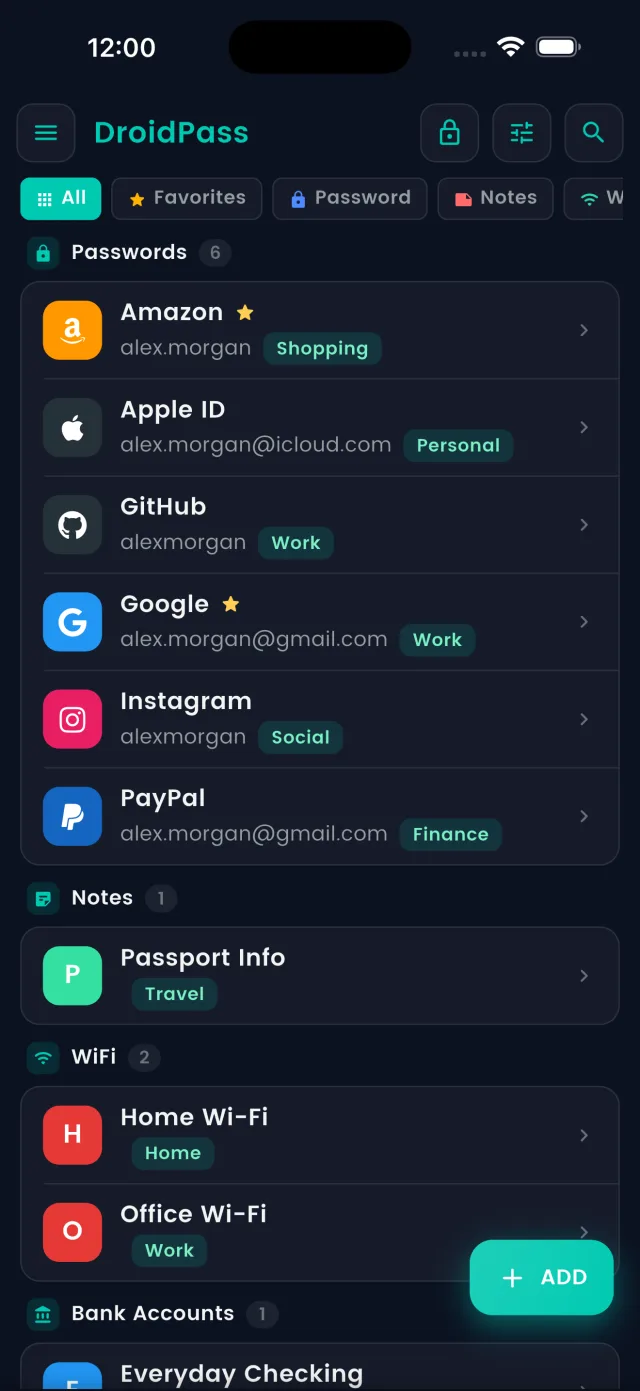
Organise your vault with tags and filters, and lock it behind a PIN or biometrics
Autofill on Android & iPhone
Sign in without typing. DroidPass fills your logins and one-time codes in other apps and browsers. Needs Android 10 or iOS 15.5 and newer.
Secure Password Vault
AES-256 encryption protects your passwords, and every record is encrypted on your device before it is stored or synced.
Cross-Platform Sync
The same vault on your iPhone, iPad and Android phones and tablets. Changes on one device reach the others automatically.
Category-Based Organization
Organize passwords with smart categories and custom labels. Filter by work, personal, social media, and more.
Advanced Filtering
Smart filtering & tagging system for quick access. Find any password with search and filter options.
Enhanced Favorites
Prioritize important passwords with our enhanced favorites system. Quick access to your most-used credentials.
Password Audit
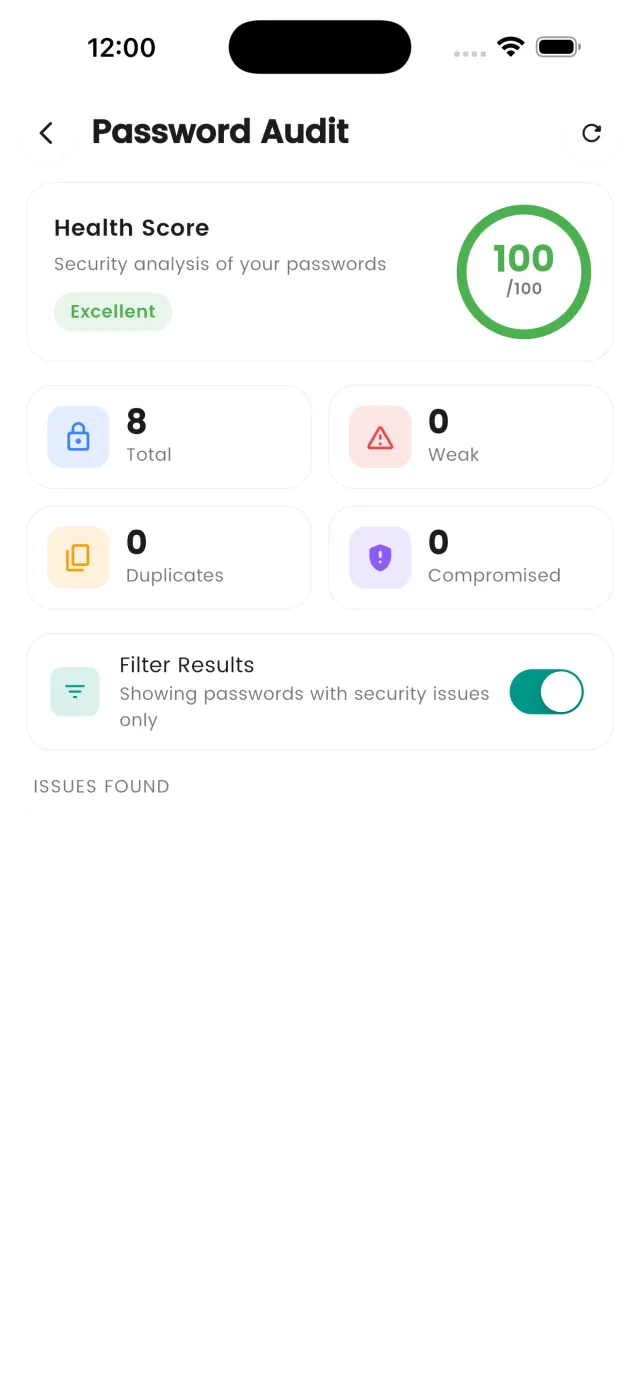
Security analysis with personalized recommendations. Identify weak passwords and get improvement suggestions.
Password Generator
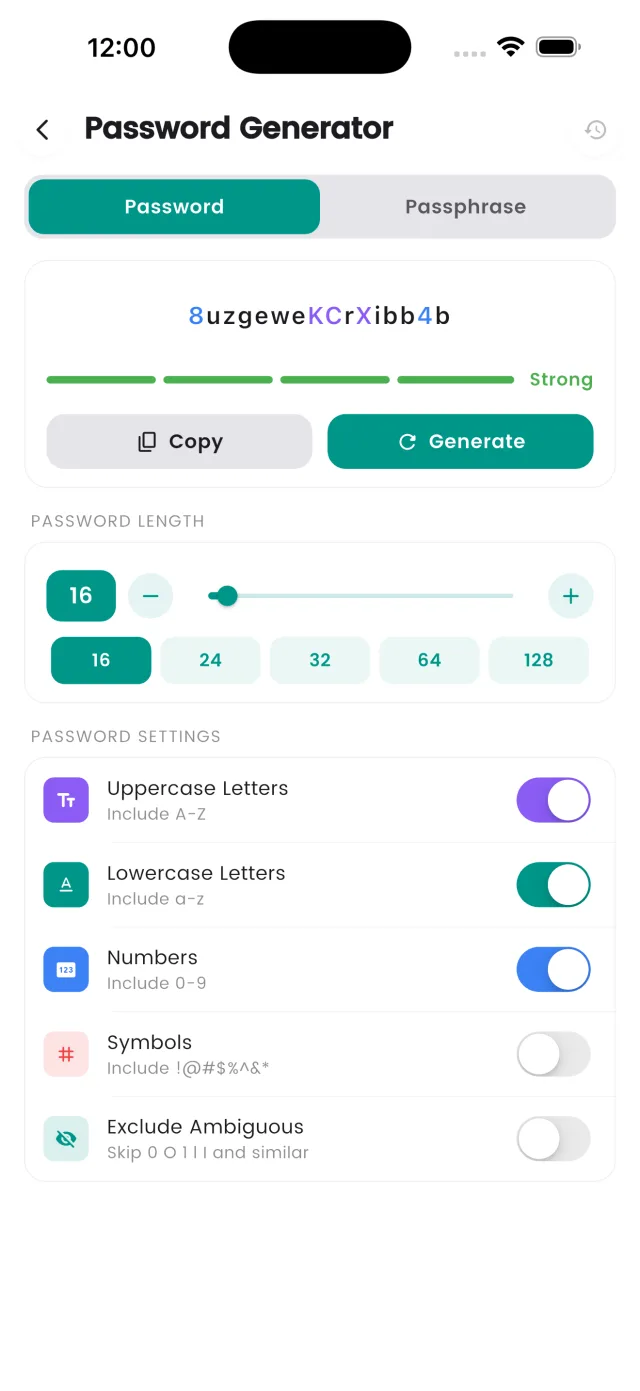
Generate strong, unique passwords with advanced options. Includes numbers, symbols, and custom length settings.
Biometric Security
Unlock securely with Face ID, Touch ID on iOS, or fingerprint sensors on Android devices.
Offline Access
Access your passwords anytime, anywhere - even without an internet connection. Your data is always available.
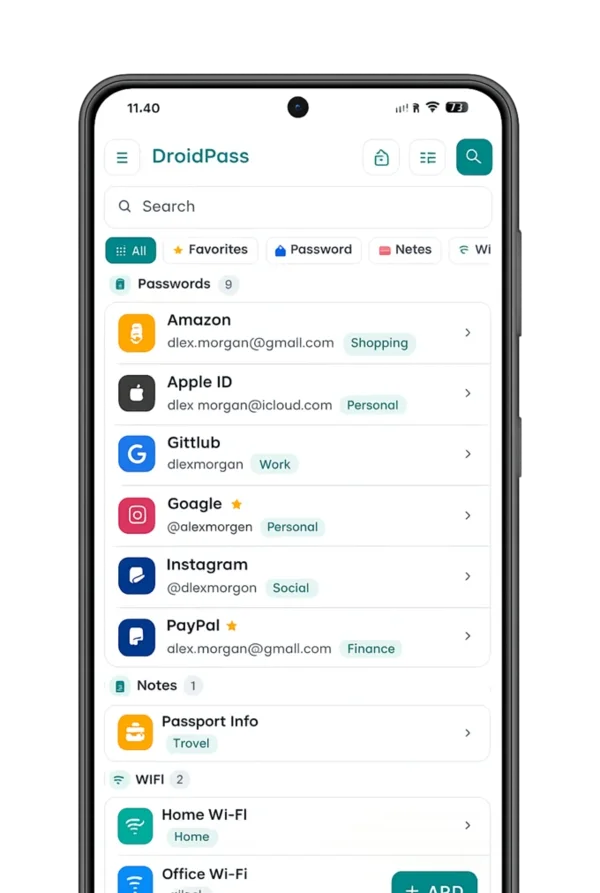
See DroidPass in Action
A clean, modern password manager built for iPhone & iPad — with a built-in authenticator, password audit, and dark mode.
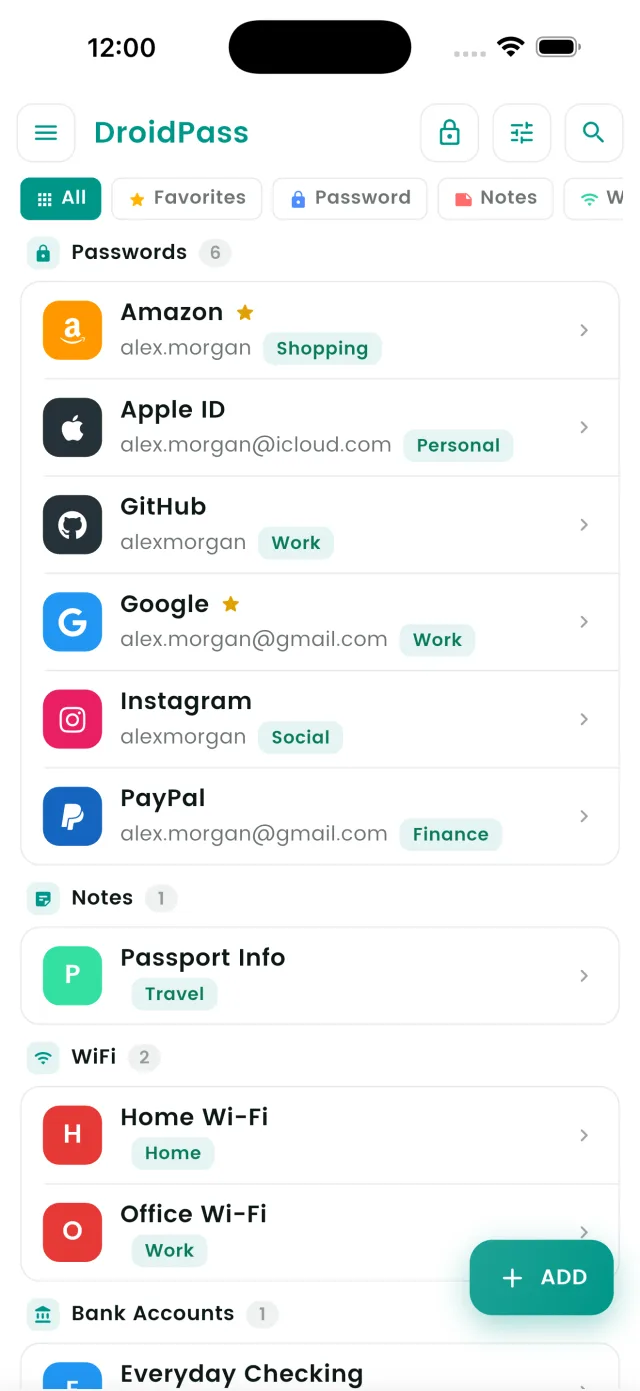
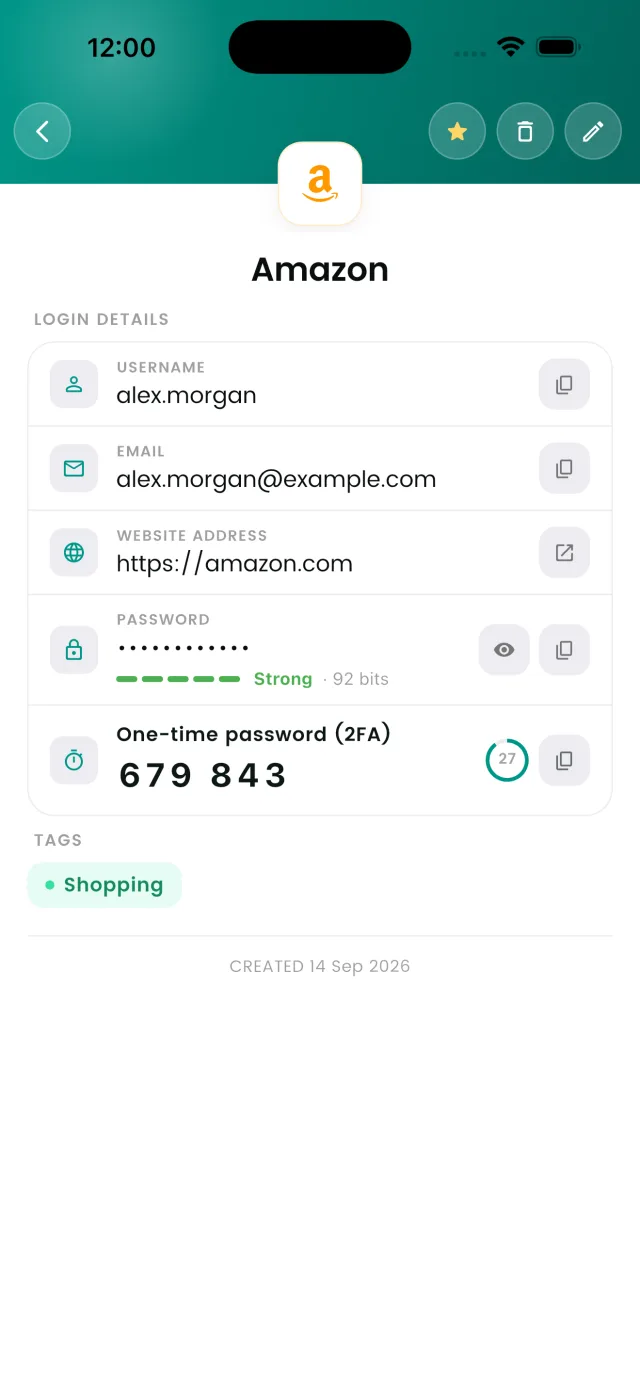
← Swipe to explore more →
Password Generator
Create long, random passwords — generated in your browser, never sent to a server
Password Generator
This generator uses the same cryptographically secure methods as our DroidPass Pro app. Download for complete password security.
How We Keep Your Passwords Safe
See how we protect your passwords by turning them into unreadable code that only you can unlock with your master password
Type Your Password
This is your actual password that you want to keep safe
Encrypted Password
Your password becomes unreadable to anyone without the master key
Decrypted Password
Only your master key can decrypt and reveal the original password
Simple, Transparent Pricing
Choose the perfect plan for your needs
Free
Basic password management
- Store up to 6 items
- 1 built-in authenticator (2FA) code
- Import from other apps & browsers
- Access on unlimited devices
- Available in 29 languages
- Basic password generator
- Dark/Light mode
- Basic app security
DroidPass Pro
Advanced security features
- Unlimited passwords & items
- Unlimited authenticator (2FA) codes
- Password & WiFi security audit
- Unlimited devices sync
- Advanced password generator
- Cloud backup & sync
- Custom icons, themes & colors
- Auto-lock security timer
- Biometric authentication
- Premium support
- Dark/Light mode
Frequently Asked Questions
Get answers to common questions about DroidPass