This release adds a built-in authenticator, richer notes and import, on top of the existing vault. Here's everything new — a built-in authenticator, advanced notes, one-tap import, and a fully localized, iPad-ready experience.
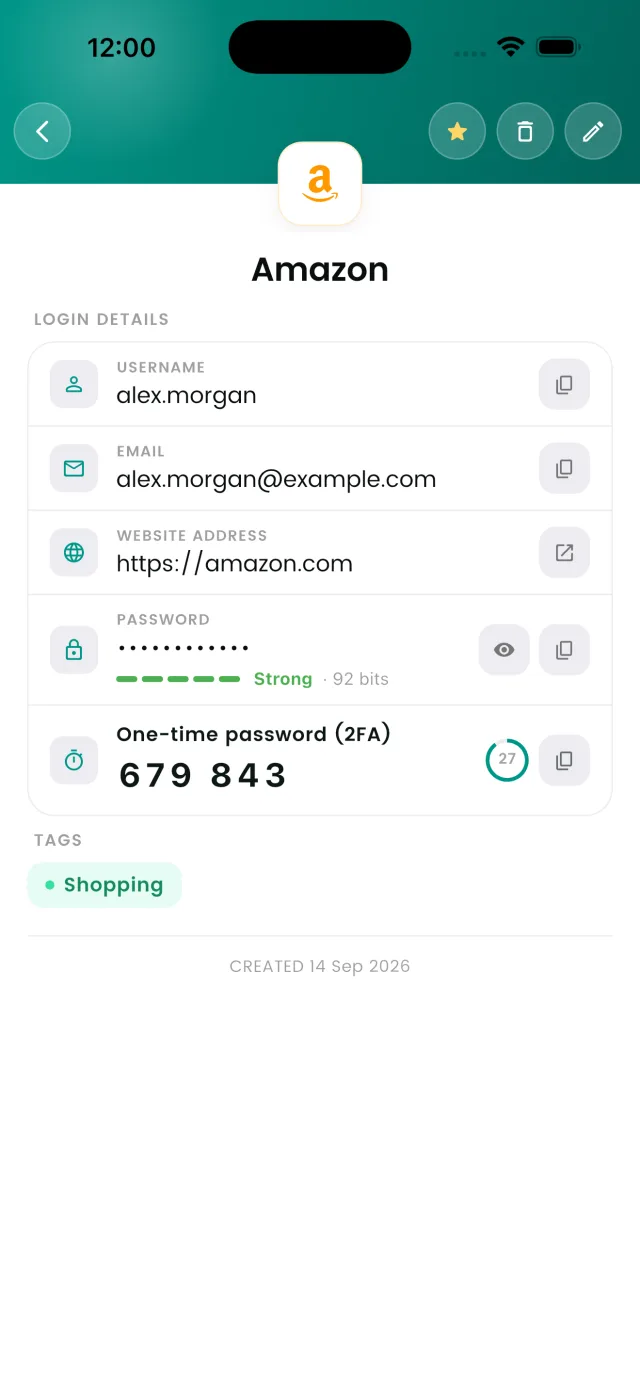
1. Built-in Authenticator (2FA / TOTP)
DroidPass now generates your two-factor authentication codes right alongside your passwords. Scan a QR code or paste a setup key and your 6-digit codes refresh automatically with a countdown ring. No more switching to a separate authenticator app. Read the full guide →
2. Advanced Secure Notes with Markdown
Secure notes got a serious upgrade. Write rich, formatted notes with Markdown — headings, bullet and numbered lists, interactive checklists, tables, blockquotes, and links. Start fast with 7 built-in templates for things like recovery codes, server credentials, software licenses, and ID documents.
3. One-tap import from Google, Apple & more
Switching is now painless. Import your logins from Google Password Manager, Apple Passwords, Chrome, Edge, Firefox, 1Password, Bitwarden, LastPass, Dashlane, or any CSV. DroidPass guides you through the export and tags imported items by source. See the import guide →
4. Sign in with Apple & Google
Getting started takes one tap. Create your account with Sign in with Apple, your Google account, or a classic email and password — whatever you prefer.
5. Master PIN & Face ID
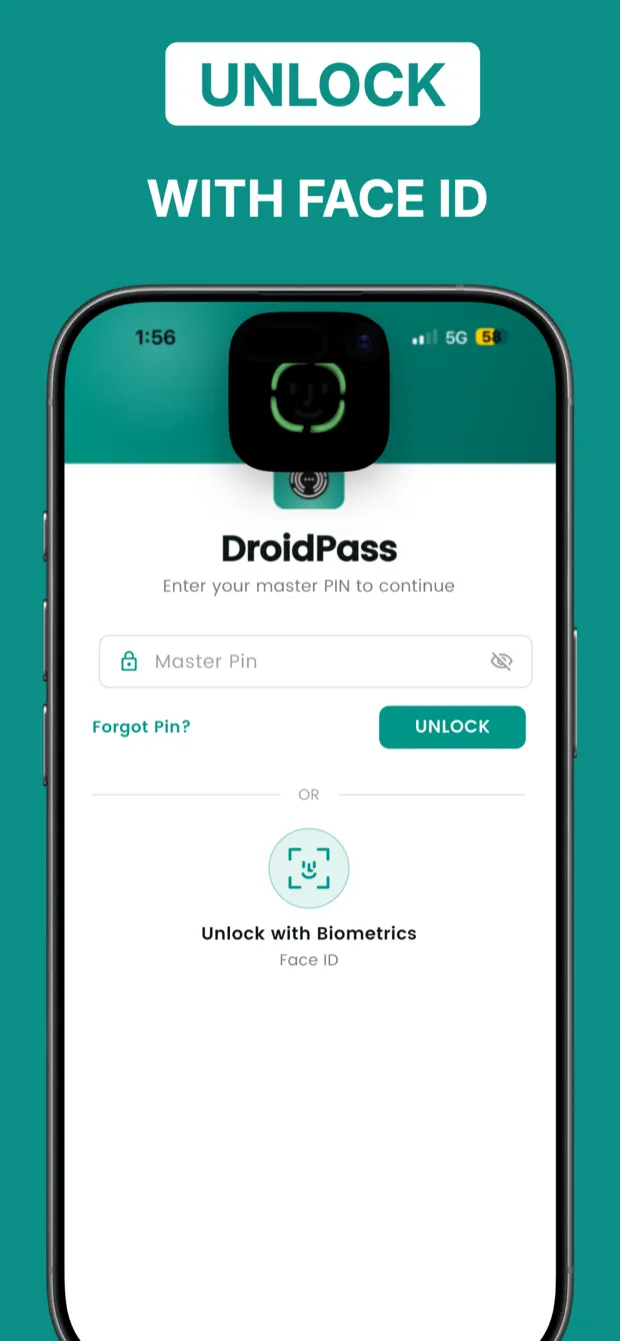
Your vault is protected by a Master PIN that also encrypts your data. Add Face ID or Touch ID on top for instant, secure unlocking.
6. 29 languages with right-to-left support
DroidPass is now fully localized into 29 languages, including Spanish, French, German, Arabic, Hindi, Japanese, Chinese, and more — with proper right-to-left layout for Arabic, Persian, Urdu, and Hebrew. Change your language anytime in Settings.
7. iPad-optimized layout
On iPad, DroidPass uses a native split-view layout — browse your vault on the left and view or edit an entry on the right, making great use of the bigger screen.
The rest is unchanged
All of this sits on top of the basics: AES-256 encryption, the password generator, the password audit that flags weak and reused passwords, cross-device sync, offline access, and dark mode.
Frequently asked questions
Which version of DroidPass is current?
The two stores review updates on separate cycles, so the version numbers do not always match. The current version is whatever your store listing shows — App Store and Google Play both display it before you install.
What did the 2026 update add?
A built-in 2FA authenticator, secure notes with Markdown formatting, one-tap import from Google and Apple, Sign in with Apple, 29 interface languages including right-to-left ones, and an iPad layout that uses split view instead of stretching the phone screen.
Is the update free for existing users?
Yes. Updates are free on both stores, and an existing DroidPass Pro subscription carries over untouched. Nothing needs to be bought again.
How many languages does DroidPass support?
29, including right-to-left layouts for Arabic, Hebrew, Persian and Urdu. The language follows your device setting and can also be changed by hand in Settings.
Get the new DroidPass
Update or download today and try the built-in authenticator, Markdown notes, and easy import.
Download for iPhone