For two years the message has been simple: passkeys are the future, passwords are the past. Then in August 2026 security researchers showed that malware could hijack passkeys synced through Google Password Manager. So — are passkeys still safe? Yes, mostly. But the story is more nuanced than "passkeys good, passwords bad", and it changes how you should think about where your logins live.
Passkeys vs passwords: a 60-second refresher
A password is a shared secret. You know it, the website stores a hash of it, and anyone who tricks you into typing it on a fake page — or steals it from a breached database — can use it.
A passkey is a cryptographic key pair. The website keeps the public half; the private half never leaves your device (or your synced vault). When you log in, your device signs a challenge that is tied to the real website's domain. That is why passkeys are:
- Phishing-resistant — a look-alike domain gets a signature it cannot use.
- Unique per site — there is nothing to reuse, so one breach can't cascade.
- Unguessable — no "Summer2026!" to brute-force.
On paper that beats passwords on every axis. The catch is the word "device": a passkey is only as safe as the software and hardware that hold the private key.
What the Pass-ta-key attacks actually showed
On August 4, 2026, Palo Alto Networks' Unit 42 published research — covered by BleepingComputer, The Hacker News, Malwarebytes and 9to5Google — describing three attacks, nicknamed "Pass-ta-key", against passkeys synced through Google Password Manager in Chrome. All three assume malware is already running on a signed-in Windows PC. From there, the malware could:
- Silently obtain a valid login assertion for a passkey-protected account, without the user touching Windows Hello.
- Install an attacker-controlled user-verification key, so future "verify it's you" prompts are answered by the attacker.
- Extract the 32-byte Security Domain Secret that decrypts the user's synced passkey private keys — effectively exporting every passkey in the account.
None of this breaks the cryptography of passkeys. What it breaks is the assumption that the surrounding software — the operating system, the browser, and the cloud sync layer — will always keep the private key out of reach.
So are passkeys still safer than passwords?
Yes. Against the two attacks that compromise the most accounts every year — phishing and credential-stuffing from breaches — passkeys remain dramatically better. A Pass-ta-key attacker needs malware on your machine first; a password attacker needs only a convincing email.
But the research is a useful reminder of an old rule: once a device is compromised, nothing on it is fully safe. That is true of passwords, session cookies, authenticator apps and passkeys alike. The honest comparison isn't "passkeys vs passwords" — it's "a clean device with a well-designed vault" vs "an infected device with anything".
Why the vault design matters
Two of the three Pass-ta-key attacks target the sync mechanism: a secret that, once extracted, unlocks everything. That is an argument for keeping your credentials in a end-to-end encrypted vault where:
- Data is encrypted on your device with a key derived from something only you know, before it ever syncs.
- The provider cannot decrypt your vault, so a server-side compromise yields ciphertext only.
- Unlocking requires your Master PIN or biometrics every time, with auto-lock so an unattended machine doesn't stay open.
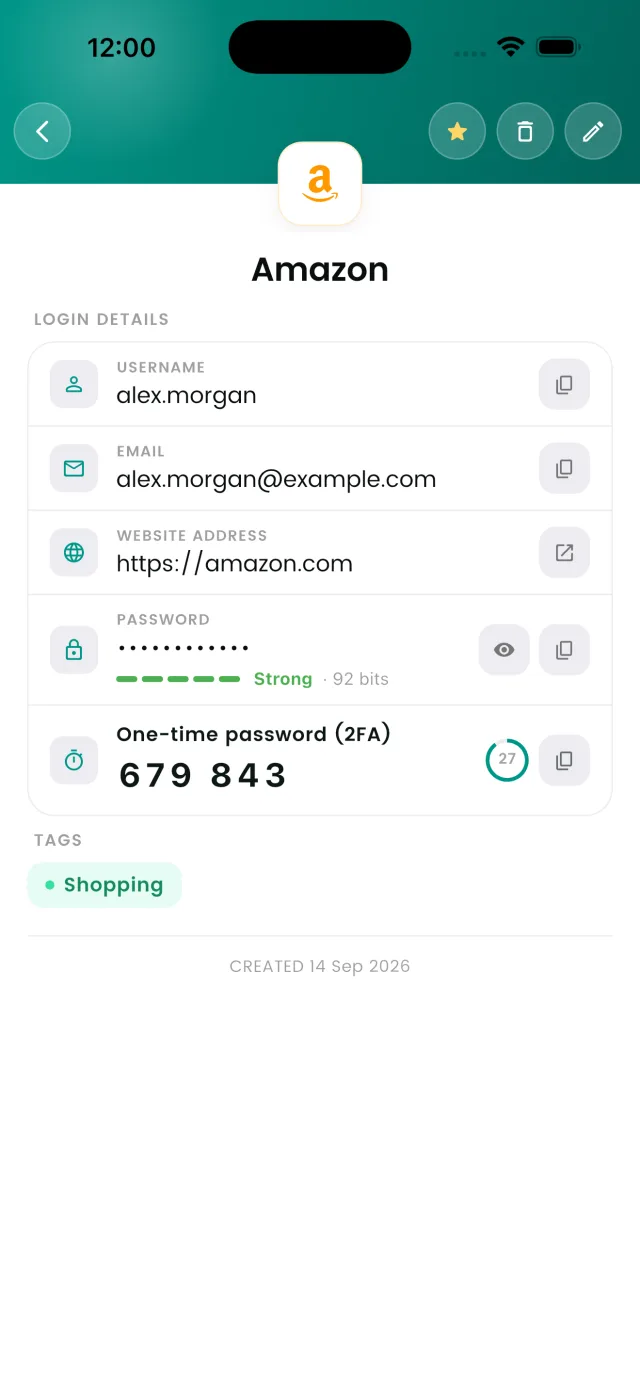
DroidPass is built exactly this way: an AES-256 encrypted vault that stores your passwords, credit cards, Wi-Fi credentials, secure notes, contacts and passkeys side by side, with Face ID / Touch ID / fingerprint unlock and auto-lock on iPhone, iPad, Android and Mac.
Five practical steps to take this week
- Keep your devices clean. Every Pass-ta-key variant starts with malware. Install OS updates promptly, don't run cracked software, and use a reputable antivirus on Windows.
- Keep using passkeys where they're offered. They still eliminate phishing and password reuse, which is where most people actually get hacked.
- Keep 2FA on every account that still uses a password. A built-in authenticator that lives in the same vault as the login makes this painless — see our guide to the DroidPass authenticator.
- Store credentials in a dedicated password manager rather than a browser's built-in manager, so a single sync secret isn't a master key to your life.
- Lock the vault, not just the screen. Set a short auto-lock timer and require biometrics or your Master PIN to reopen it.
The bottom line
Passkeys are not broken, and you shouldn't stop using them. What August 2026 proved is that where your passkeys and passwords live matters as much as what they are. Pair phishing-resistant passkeys with a malware-free device and an encrypted vault you control, and you're in a better position than the vast majority of people online. If you're still deciding whether a vault is worth it, start with why you need a password manager in 2026.
Keep passwords, passkeys and 2FA codes in one encrypted vault
DroidPass is free on iPhone, iPad, Android and Mac — AES-256 encryption, biometric unlock.
Download for Mac Download for iPhone Download for Android