Cambiar tu contraseña
La contraseña de la cuenta y el PIN maestro hacen cosas distintas. Esta te permite entrar; el PIN maestro descifra la caja fuerte.
Por qué importa
This is the password that signs you in, not the Master PIN that opens the vault. Changing it does not touch your data.
Pasos
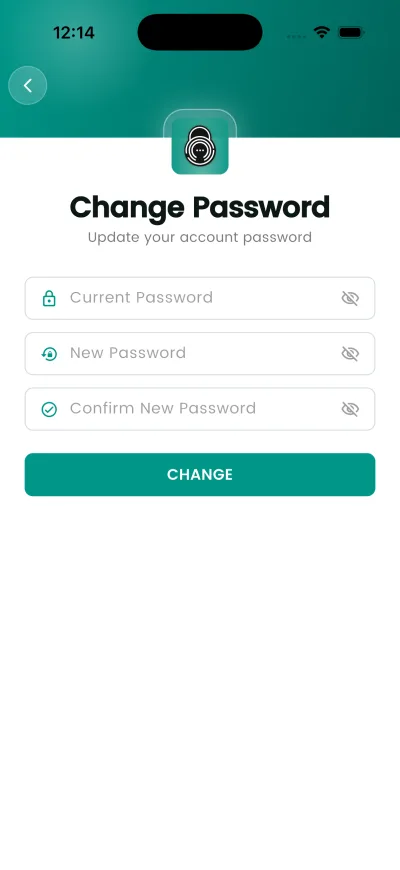
- Abre Ajustes y luego «Change Password».
- Escribe tu contraseña actual.
- Escribe la nueva y confírmala.
- Toca «CHANGE».
Qué pasa después
You stay signed in. The new password is needed the next time you sign in on a device.
Si no funciona
- If you signed up with Apple or Google there is no password here to change — those accounts sign in through the provider.
Conviene saber
- Este cambio no vuelve a cifrar nada. La caja fuerte depende del PIN maestro, no de esta contraseña.
- Si te registraste con Apple o Google no hay contraseña que cambiar: esas cuentas entran por el proveedor.