Change the language
The app follows your device language by default. You can override it without changing anything on the phone itself.
Why this matters
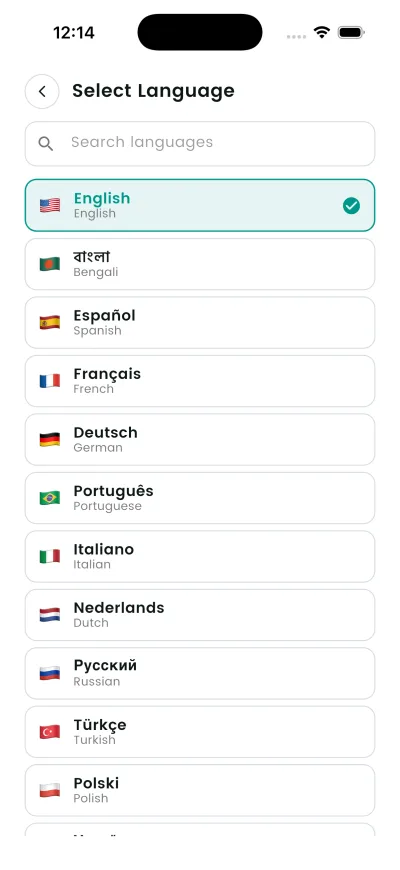
DroidPass is translated into 29 languages. By default it follows the device, but you can set it for the app alone.
Steps
- Open Settings, then Language.
- Search or choose from the list — the screen is called Select Language.
- The app switches immediately.
What happens next
The app redraws in the new language immediately. Nothing you have saved is translated or altered.
Good to know
- Your entries are not translated — only the app’s own text changes.