Transfer from another app Android
On Android it works the other way round from iPhone: DroidPass starts the transfer, and Android shows you a list of apps to take the logins from.
Why this matters
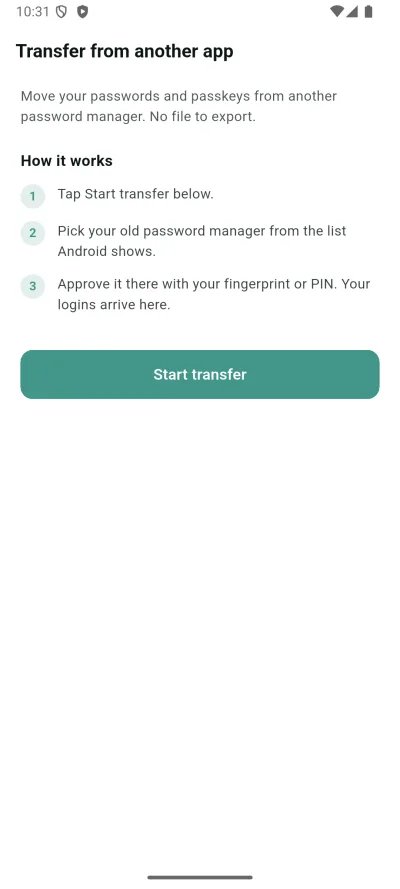
Move your passwords and passkeys from your old password manager. No file needed.
Steps
- Tap Start transfer below.
- Pick your old password manager from the list Android shows.
- Approve it there with your fingerprint or PIN. Your logins arrive here.
What happens next
The logins appear in your vault, tagged by source. Backing out of Android’s picker is not a failure and nothing is sent.
If it does not work
- That transfer couldn't be read. Start it again, or import a file instead.
- To import passkeys, turn on passkeys in DroidPass, then transfer again.
- Direct transfer isn't available on this device. You can still import a file below.
Good to know
- Backing out of the Android picker used to be reported as "not available on this device". That was wrong and is fixed in the current release.
- Passkeys are skipped unless passkeys are turned on in DroidPass first.
- If direct transfer really is unavailable on your device, you can still import a file.