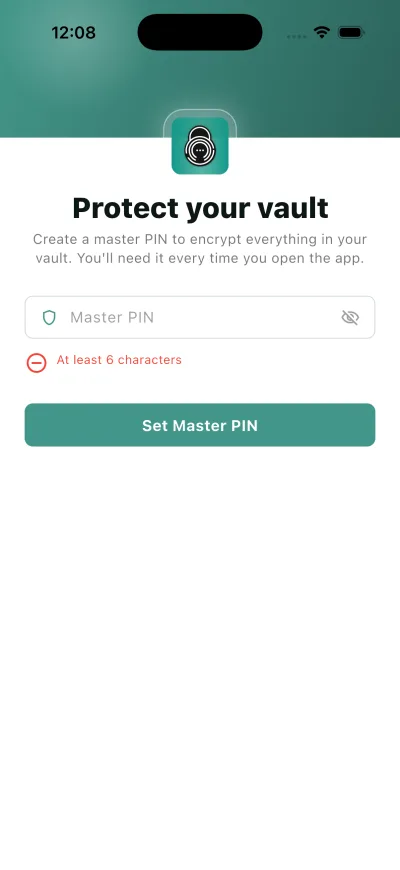
Set your Master PIN
Your Master PIN unlocks the vault itself. You are asked for it when you first sign up, and after that whenever the app locks.
Why this matters
It is not the account password. The password signs you in; this PIN decrypts what is inside, which is why nobody can reset it for you.
Steps
- Create a master PIN to encrypt everything in your vault. You'll need it every time you open the app.
- Master PIN
- Set Master PIN
What happens next
The vault opens. From here on the app asks for this PIN, or your fingerprint or face once biometric unlock is on.
If it does not work
- Master pin must be at least 6 characters
- This account already has saved records, but this Master PIN can't unlock them. Please enter the Master PIN you used before — saving a different one would lock you out of your existing data. If you've forgotten it, contact support.
Good to know
- A Master PIN must be at least 6 characters.
- Keep your Master Pin safe. This PIN unlocks your vault — save a copy somewhere safe.
- Face ID or your fingerprint can stand in for the PIN once it is set, but the PIN remains the fallback.
- You can change it later from Settings. See Change your Master PIN.