Create your account
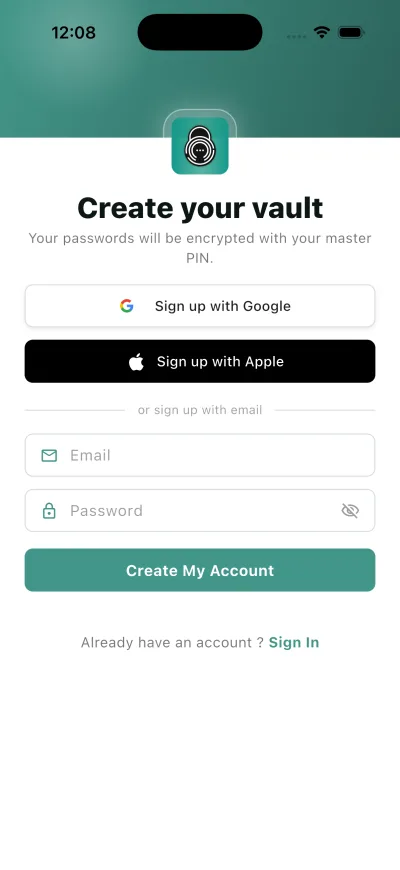
Your account identifies you across devices. You can sign up with an email address and password, or with Apple or Google.
Why this matters
Your passwords will be encrypted with your master PIN.
The account is what lets the vault exist on more than one device. The Master PIN you set next is what actually decrypts it.
Steps
- Get Started
- Your passwords will be encrypted with your master PIN.
- Sign up with Google
- Sign up with Apple
- or sign up with email
- Create My Account
What happens next
You are asked to set a Master PIN, then offered the Emergency Kit. Neither is optional in practice: the PIN opens the vault, and the kit is the way back if you forget it.
Good to know
- The account password and the Master PIN are two different things. The password signs you in; the Master PIN unlocks the vault.
- On Android, sign-up has two extra screens after the PIN: the transfer offer and the autofill offer. You can skip both and come back later.