Change your password
Your account password and your Master PIN do different jobs. This one signs you in; the Master PIN decrypts the vault.
Why this matters
This is the password that signs you in, not the Master PIN that opens the vault. Changing it does not touch your data.
Steps
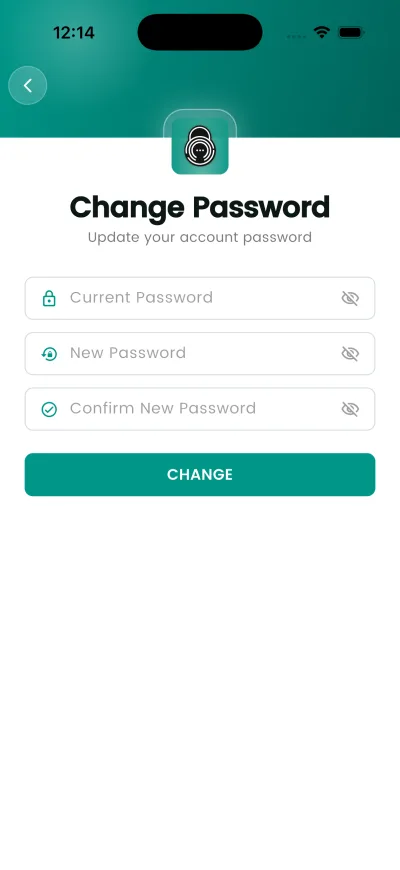
- Open Settings, then Change Password.
- Enter your current password.
- Enter the new one and confirm it.
- Tap CHANGE.
What happens next
You stay signed in. The new password is needed the next time you sign in on a device.
If it does not work
- If you signed up with Apple or Google there is no password here to change — those accounts sign in through the provider.
Good to know
- Changing this does not re-encrypt anything. The vault is tied to your Master PIN, not to this password.
- If you signed up with Apple or Google there is no password to change — those accounts sign in through the provider.