Edit or delete an entry
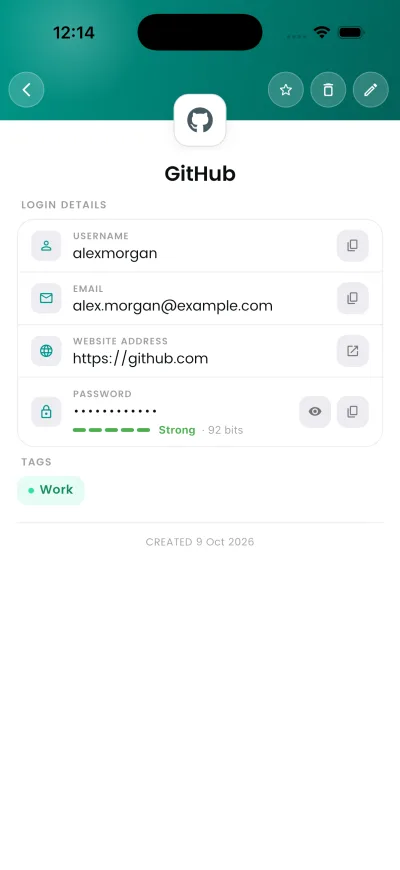
Every entry opens to a detail view. Editing and deleting both start there.
Why this matters
Passwords change. An entry that still holds the old one is worse than no entry at all, because autofill will keep offering it.
Steps
- Open the entry from your vault.
- Tap Edit, change the fields, and save.
- To remove it, use Delete on the same screen and confirm.
If it does not work
- This item couldn't be decrypted with your current Master PIN — it may have been saved under a different Master PIN (for example, before a PIN change). Your data is still safely stored in your account and nothing has been deleted. If you changed your Master PIN in the past, please contact support and mention any previous Master PIN you remember.
- Deleting is immediate and permanent. There is no bin and support cannot restore it.
Good to know
- Deleting is permanent. There is no bin to restore from.
- If an entry opens to a blank grey screen, it was encrypted with a different Master PIN than the one in use. Recovering it needs the old PIN.